Introducing QGIS projects
QGIS saves work in Projects. Projects contain references to data (not the data itself), layer symbology, and map layouts.
When QGIS is opened, a list of recent projects will be displayed for easy access. Projects can be created, saved, and opened through the Project menu.
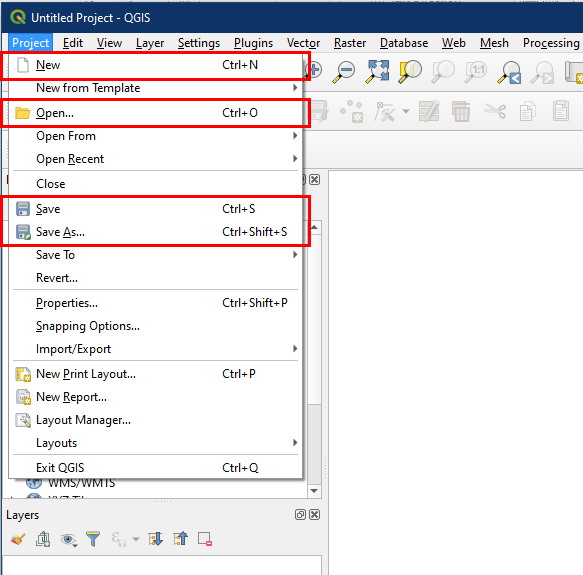
Alternatively, use the buttons in the project toolbar to perform the same actions.

By default, QGIS saves projects as a .qgz file. For organization, it is recommended that you place these files in the same location as your data (e.g. in a computer folder or a flash drive).

To read more about QGIS projects, visit the QGIS documentation here.